

Trusted by 1,300 teams
who put users first











Everything you can ask
One question in. A next step out, for everyone.
Every answer comes with a number, a status, and what to do about it. Whoever is asking.
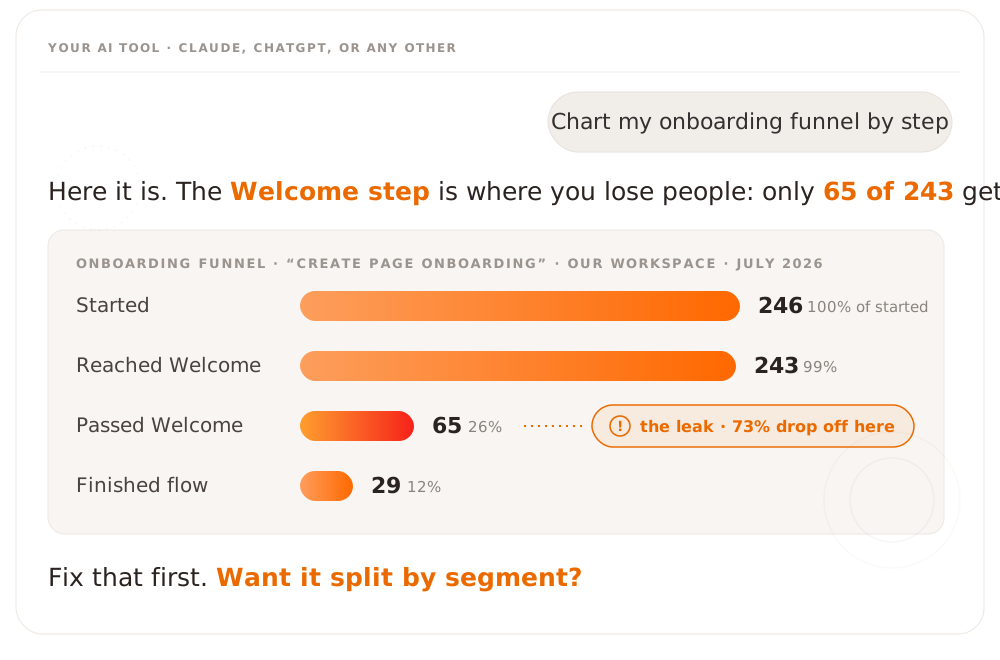
of new users finish the welcome flow. The AI names the leaking step and suggests the fix: split it in two.
stalled halfway through onboarding last week. Call list ready before any of them churn.
Up 6 points this quarter. The biggest driver: your new onboarding checklist. Double down on it.
Published in May. Zero traffic since. Relaunch it with an announcement, or retire it.
What makes this one different
Three choices we made that most AI connectors didn't.
Sign in, don't paste keys
Most AI connectors ask you to paste an API key into settings. Product Fruits MCP signs each person in with their own account. Nothing to copy, nothing to leak.
It can look, not touch
The connection is read-only: your AI can pull numbers and content, not change or delete anything. Connect it without a rollback plan.
The whole workspace answers
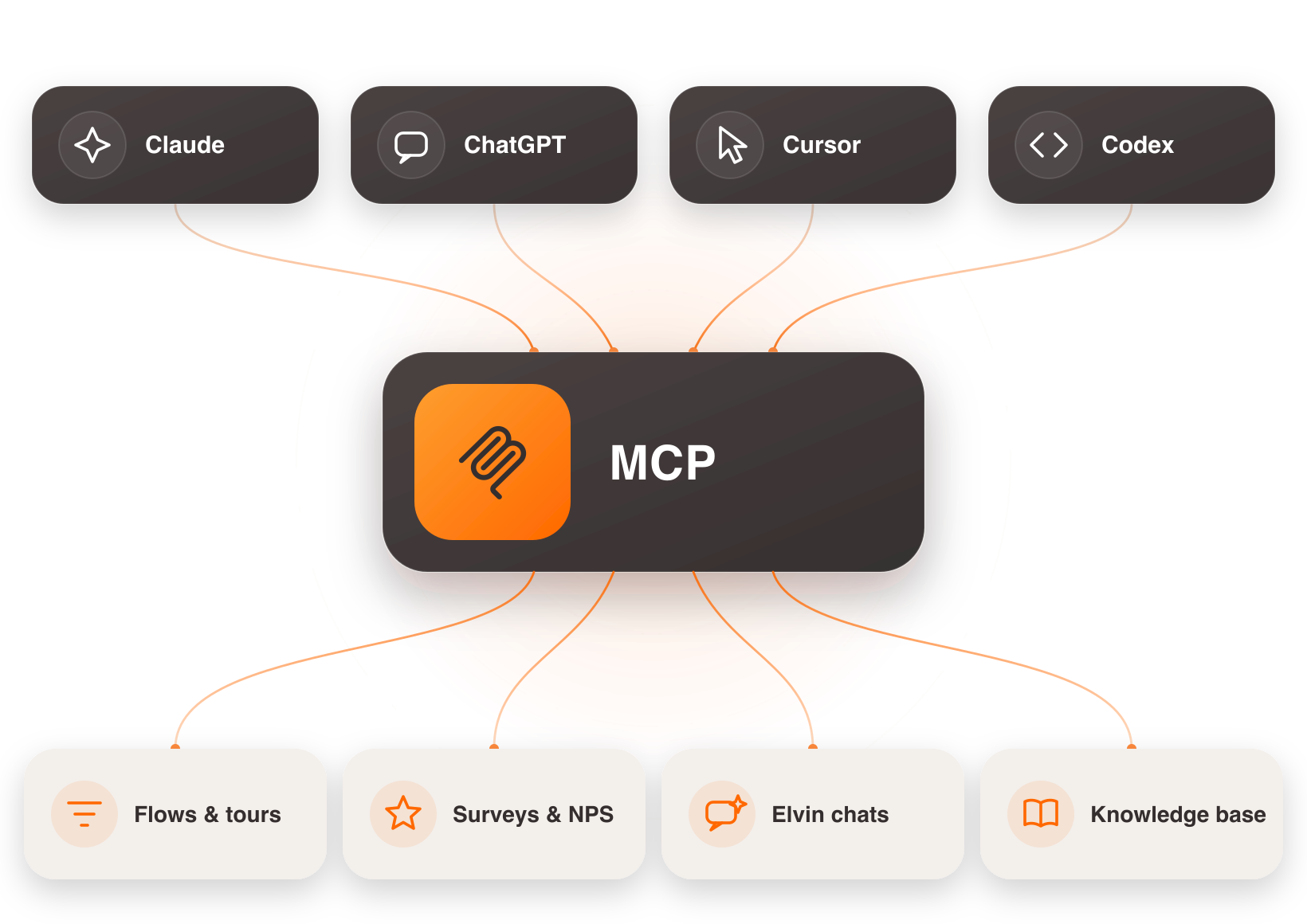
Flows, tours, surveys, NPS, users, Elvin conversations, and your knowledge base. One sign-in, and every part of your setup can answer.
Connected in minutes, not sprints
No developer. No pasted API keys. No step four.
Add
Open the Connectors menu in Claude or ChatGPT and add Product Fruits.
Sign in
Use your normal Product Fruits login. Nothing to paste, nothing to configure.
Ask
"Which flows underperformed this month?" Your AI answers from live data.
.avif)