Product Tour Software for Non-Technical Teams: No-Code Solutions


Product tour software for non-technical teams uses visual editors and point-and-click interfaces to create guided onboarding without writing code.
Product Fruits leads this category by combining no-code AI-assisted visual editing with Elvin AI that automatically generates tours, reducing setup from 20+ hours of manual building to 2 hours of simple annotation while significantly boosting activation rates.
Other no-code options include Appcues at $300/month, UserGuiding at $174/month, and Userpilot at $249/month, all requiring more manual work than Product Fruits' AI automation but still accessible to non-technical users.
Non-technical teams need product tour software they can actually use. Platforms requiring developers for every change defeat the purpose.
Video below shows how easy it can be to create new Tours in Product Fruits - just let Elvin AI learn your product using Annotations and it can generate tours individually for users as needed (when they get stuck). Of
TLDR:
Product Fruits delivers best results for non-technical teams through AI that eliminates most manual work. Annotation takes 10-15 hours once. AI generates all tour variations automatically. Ongoing maintenance minimal because AI adapts to product changes.
Other no-code platforms work but require significantly more time building and maintaining tours manually. UserGuiding simplest but most limited. Appcues most powerful but steepest learning curve. Userpilot good for analytics focus. Chameleon good for design focus.
For most non-technical teams, AI automation makes more difference than any other factor. Product Fruits at $96/month provides this automation at lower cost than manual alternatives charging $174-$300/month.
Non-technical teams shouldn't spend 50-75 hours monthly maintaining tours. That time creates more value elsewhere. AI should handle the repetitive work.
For detailed implementation guidance, see product adoption automation explaining how AI eliminates manual work. Explore use cases showing non-technical team implementations or review interactive walkthrough software.
Ready to implement no-code product tours? Use Product Fruits and let Elvin AI generate tours automatically while Elvin Copilot provides conversational support non-technical teams can set up easily. See how it works with step-by-step guides for non-technical users.
What Makes Product Tour Software Non-Technical Friendly?
1. No Code Required
True no-code platforms let product managers, marketers, customer success teams, or founders create and modify tours without developer involvement.
What "no-code" actually means:
- Visual editors showing your product interface
- Point-and-click to select elements
- Type text directly into tour steps
- Drag and drop to reorder steps
- Toggle switches for settings
- No JavaScript, HTML, or CSS required
What it doesn't mean:
- Developers never needed (initial snippet installation requires 30 minutes of dev time)
- Zero learning curve (platforms still require 1-2 hours to learn)
- Completely effortless (creating good tours takes thought and planning)
Real no-code means non-technical team members can create, edit, and launch tours independently after initial setup.
2. Visual Interface
Non-technical users need to see what they're building. Visual editors show your actual product while you build tours.
How visual editors work:
Load your product in the platform's editor. Click elements you want to highlight. Editor shows tooltip positioning in real-time. See exactly what users will see before publishing.
This WYSIWYG (what you see is what you get) approach prevents surprises. Tours look in production exactly like they looked in editor.
Platforms lacking visual editors require imagining how tours will look. Non-technical users struggle with this abstraction. Visual editing makes tour building concrete and intuitive.
3. Simple Installation
Non-technical friendly platforms minimize technical setup. While zero technical work is impossible, best platforms reduce it to absolute minimum.
Typical installation process:
- Developer adds JavaScript snippet to product (30 minutes)
- Configure user data passing (30-60 minutes)
- Non-technical team takes over from here
Initial setup requires developer. Ongoing work doesn't. This balance makes platforms practical for teams without dedicated engineering support.
Some platforms require complex configuration, custom code for special features, or ongoing developer involvement. These aren't truly non-technical friendly despite "no-code" marketing.
4. Clear Documentation
Non-technical users need clear explanations without technical jargon. Good documentation uses screenshots, videos, and plain language.
Bad documentation: "Configure the DOM selector to target the appropriate element using CSS selectors or XPath expressions."
Good documentation: "Click the button you want to highlight. We'll automatically find it for you."
The difference matters significantly for non-technical teams. Jargon-free help resources make platforms accessible.
5. Intuitive Workflows
Best platforms mirror how non-technical people think about onboarding rather than how developers think about code.
Intuitive approach: "I want to show users where the Create button is, then guide them to fill out the form, then celebrate their success."
Technical approach: "Define target selector for modal activation, configure conditional rendering logic based on user state, implement callback function for completion tracking."
Non-technical platforms hide technical complexity behind intuitive workflows matching how users naturally think about problems.
What are the Top No-Code Product Tour Platforms?
1. Product Fruits - Easiest Through AI Automation
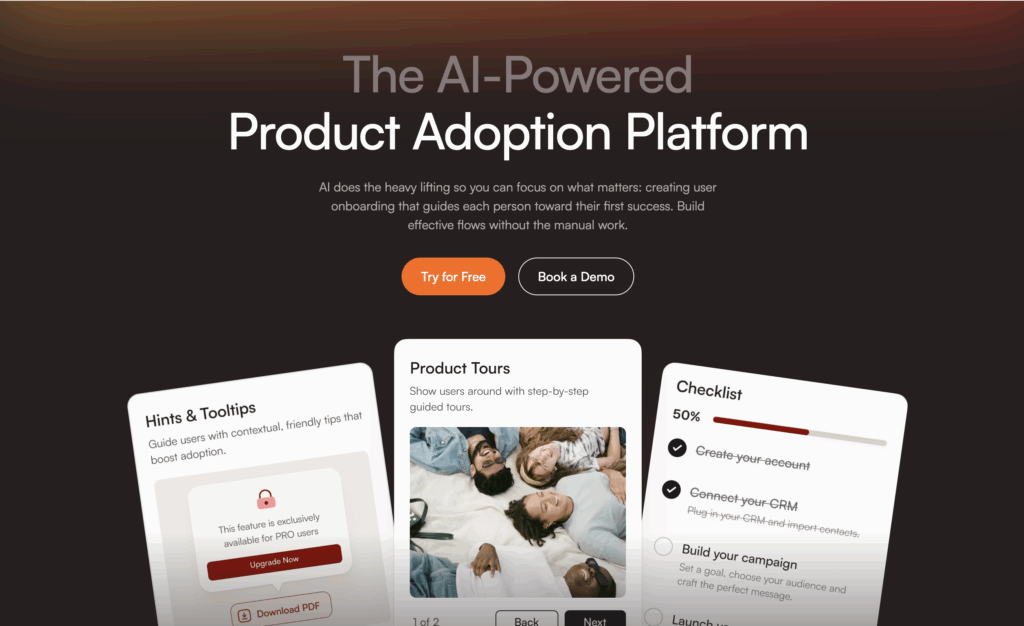
Product Fruits makes tour creation easiest by using AI to do most of the work automatically. Non-technical teams annotate products once using simple visual editor. Elvin AI generates tours automatically.
Why it's easiest for non-technical teams:
Traditional no-code platforms still require manually building every tour for every user segment. If you serve marketing managers and developers, you build two complete tour sets. Serve five user types? Build five tour sets.
Product Fruits eliminates this manual work. You annotate your product once (pointing out "this is the create button, this is the dashboard, this starts the setup process"). Elvin AI generates appropriate tours for different user types automatically.
No-code process:
Step 0: Download and install browser extensions (minutes to hours, one time)
Step 1: Annotation (8-12 hours, one time)
- Open Product Fruits annotation extension
- Let AI "scrape" your product
- Click through generated descriptions
- Fix any labels if needed
- No coding involved, just clicking and typing descriptions
- Elvin AI is now able to generate dynamic tours for users who are struggling
Step 2: Define segments (1-2 hours)
- List your user types (marketing managers, developers, executives)
- Specify what makes them different
- Define through dropdown menus and forms
- No technical knowledge needed
Step 3: Let AI generate onboarding tours and other content
- AI will help you create default onboarding (checklists, tours, hints)
- Generates appropriate tours based on your input
- Adjust/fine tune if needed
- No manual tour building required
What makes this easier than other no-code platforms:
Other platforms require manually building tours using visual editors. Click-by-click creation for every variation. 20+ hours of work for multiple segments.
Product Fruits reduces this to simple annotations for dynamic tours and AI powered tour editor for standard onboarding content. AI handles the tour generation. Non-technical teams spend 10-15 hours total instead of 20+ hours per segment.
Additional non-technical friendly features:
- Elvin Copilot provides conversational support (users ask questions, get answers, no complex setup)
- Elvin AI can generate dynamic tours individually for users, anytime, anywhere
- Onboarding checklists created through simple forms
- Templates for common tour types
- Analytics dashboard showing performance without technical knowledge needed
Pricing: $96/month starter. $149/month Pro.
Best for: Non-technical teams wanting results without spending weeks learning complex platforms. Teams serving diverse users who would otherwise need to build many tour variations manually.
See how it works for step-by-step process.
2. UserGuiding - Simple Manual Building
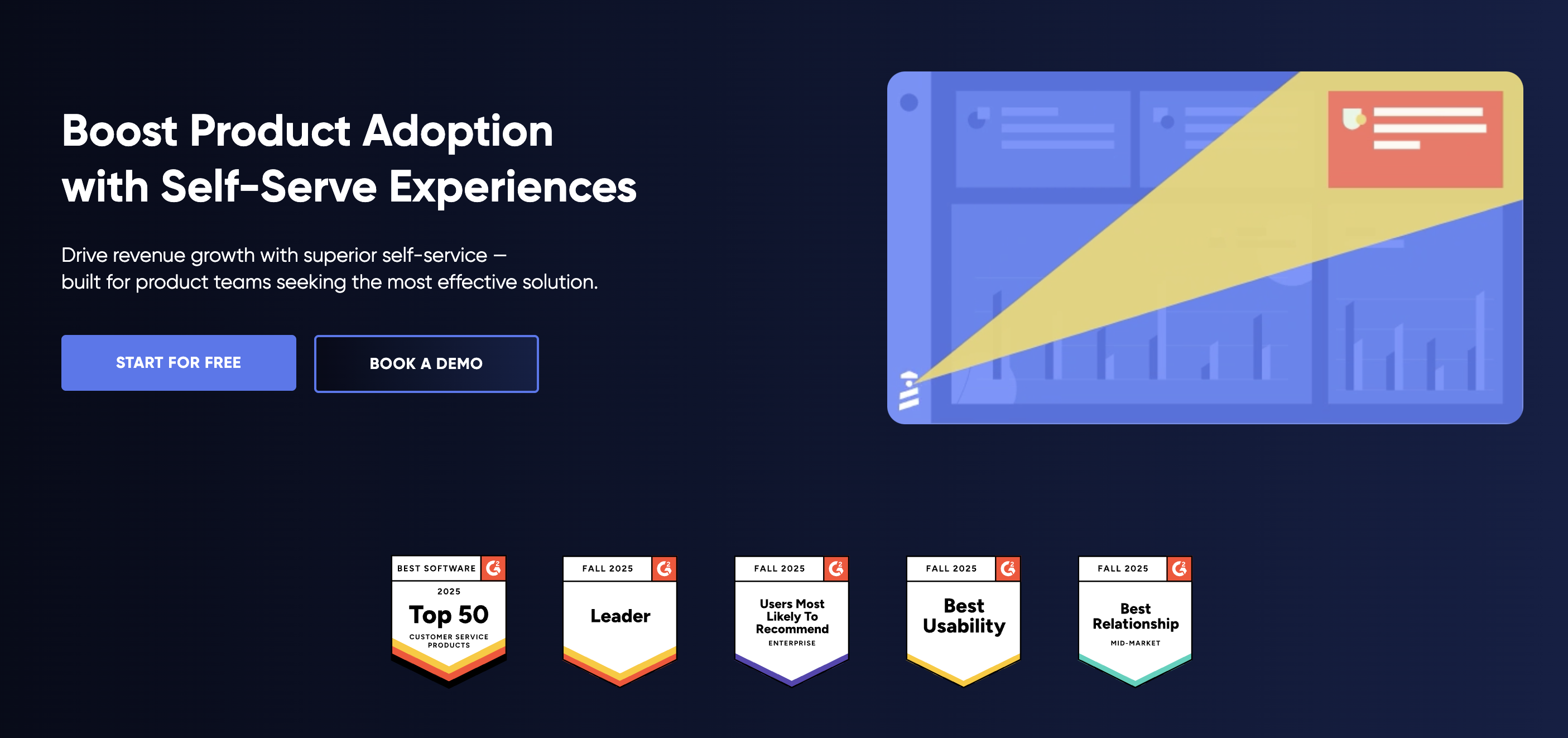
UserGuiding provides straightforward visual editor focused on simplicity. Good for teams comfortable with manual tour building who want uncomplicated interface.
Why it works for non-technical teams:
Clean interface without overwhelming feature sets. Templates provide starting points. Learning curve measured in hours, not days.
No-code process:
- Visual editor loads your product
- Click elements to highlight
- Type tooltip content
- Configure when tours appear
- Publish immediately
Strengths:
- Very simple interface
- Quick to learn
- Affordable at $174/month
- Good for straightforward needs
Limitations:
- All tours built manually
- No AI to reduce work
- Basic compared to comprehensive platforms
- Limited advanced features
Best for: Very small teams with simple products. Budget-conscious companies accepting more manual work for lower cost.
3. Appcues - Comprehensive with Learning Curve
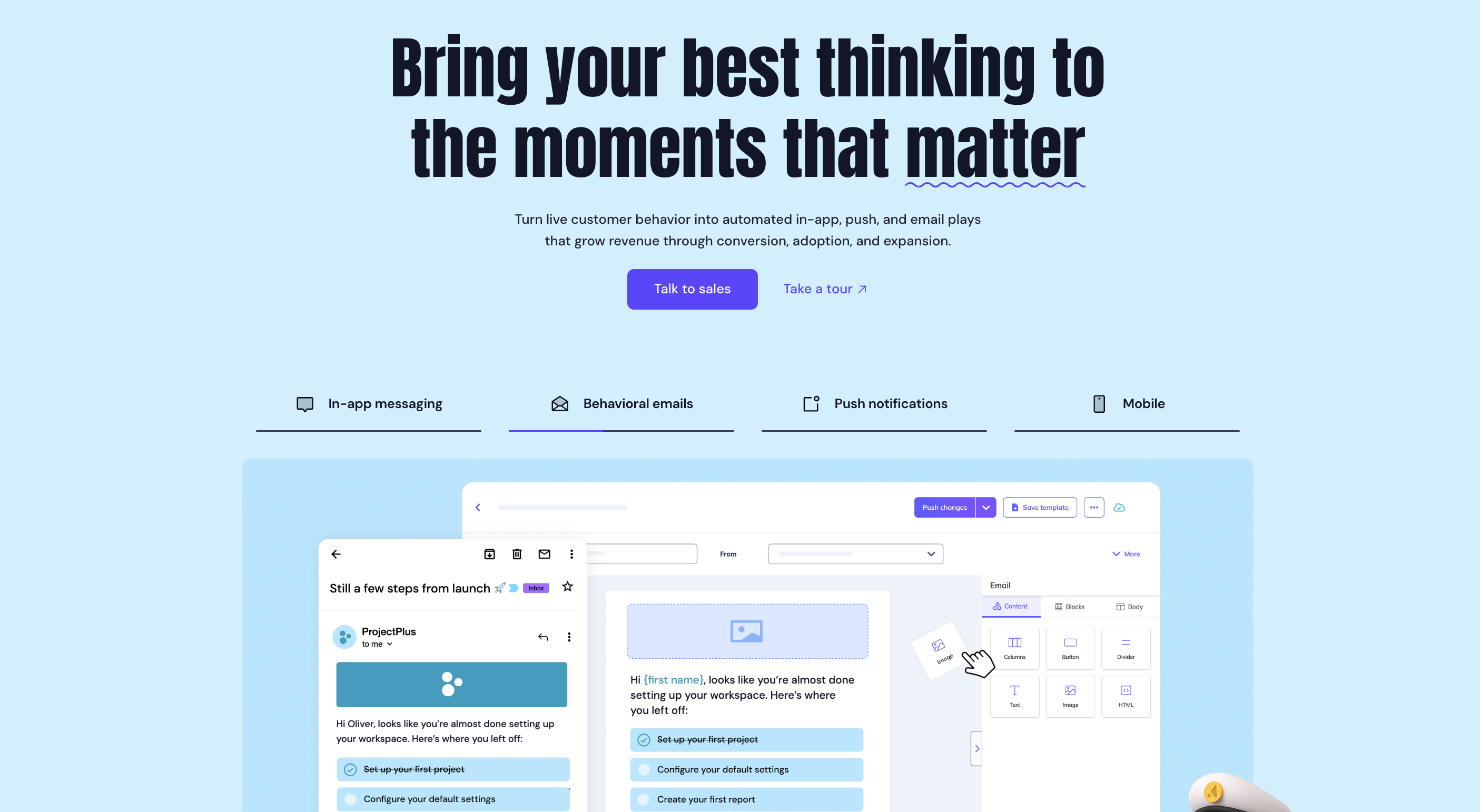
Appcues offers extensive no-code capabilities with more sophisticated features. Power without complexity sacrifice requires longer learning investment.
Why it works for non-technical teams:
Mature platform with extensive documentation, templates, and support. Teams investing time to learn get powerful results without coding.
No-code process:
- Visual builder with sophisticated options
- Extensive design customization
- Complex targeting rules (no code but requires learning)
- A/B testing capabilities
- Mobile SDKs
Strengths:
- Comprehensive feature set
- Mature platform with proven reliability
- Extensive integration ecosystem
- Strong support resources
Limitations:
- Steeper learning curve than simpler alternatives
- Higher cost at $300/month
- All tours built manually (no AI)
- Can overwhelm teams wanting simplicity
Pricing: $300/month starting price.
Best for: Non-technical teams with time to invest in learning platform deeply. Companies wanting sophisticated capabilities without technical complexity.
4. Userpilot - Analytics Integration
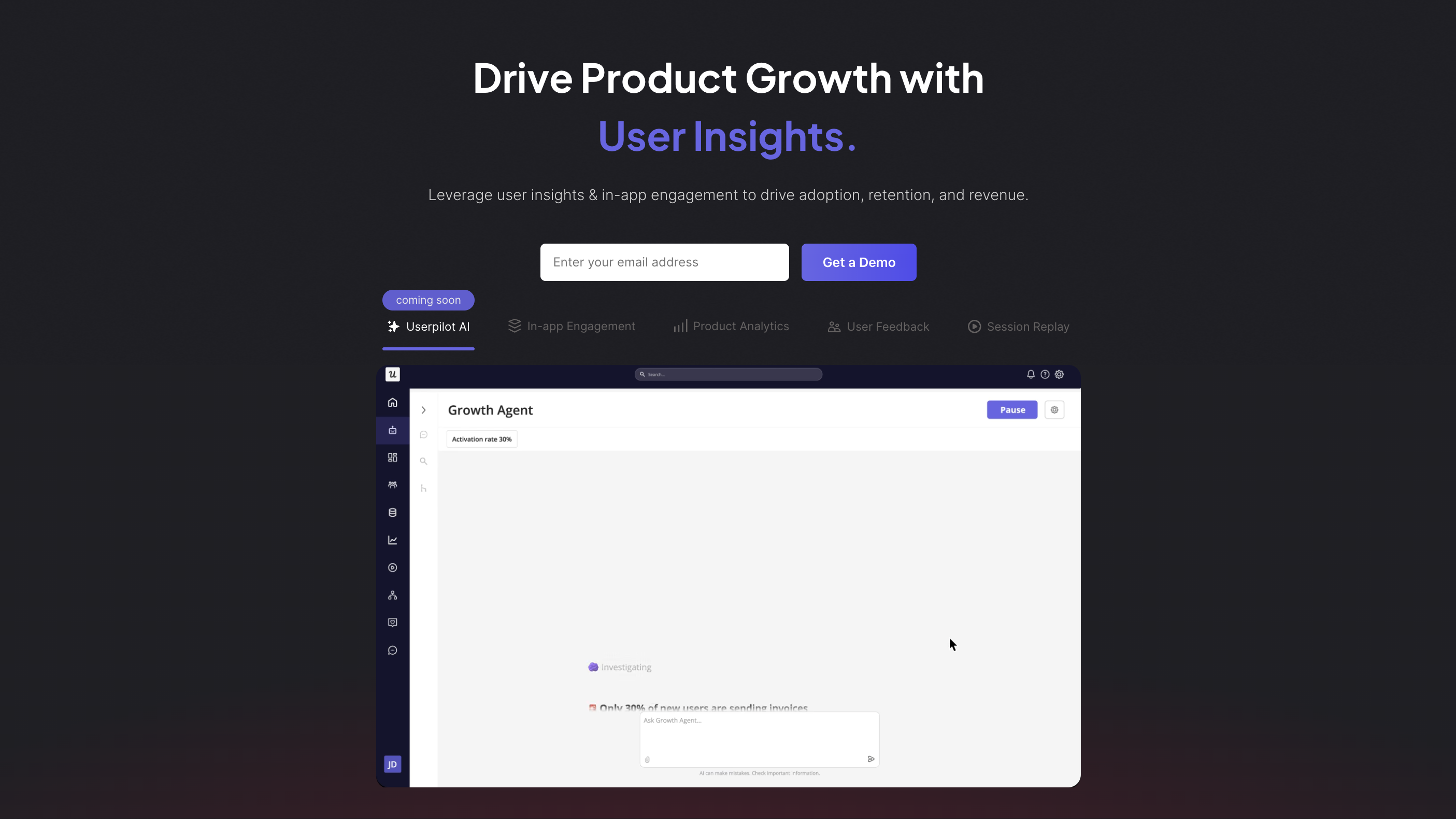
Userpilot combines no-code tour building with product analytics. Non-technical teams can see usage data and build interventions in one platform.
Why it works for non-technical teams:
Integrated analytics mean less tool jumping. Build tours, see performance data, iterate, all in one place. No code required for event tracking.
No-code process:
- Visual tour builder
- No-code event tracking (click to track actions)
- Analytics dashboard showing performance
- Build tours responding to data insights
Strengths:
- Analytics and tours in one platform
- No-code event tracking
- Data-driven optimization enabled
- Resource center included
Limitations:
- More complex interface than simpler alternatives
- Learning curve moderate
- No AI automation
- Higher cost at $249/month
Pricing: $249/month starting price.
Best for: Non-technical teams focused on data-driven optimization. Companies wanting analytics alongside onboarding without separate platforms.
5. Chameleon - Design Control
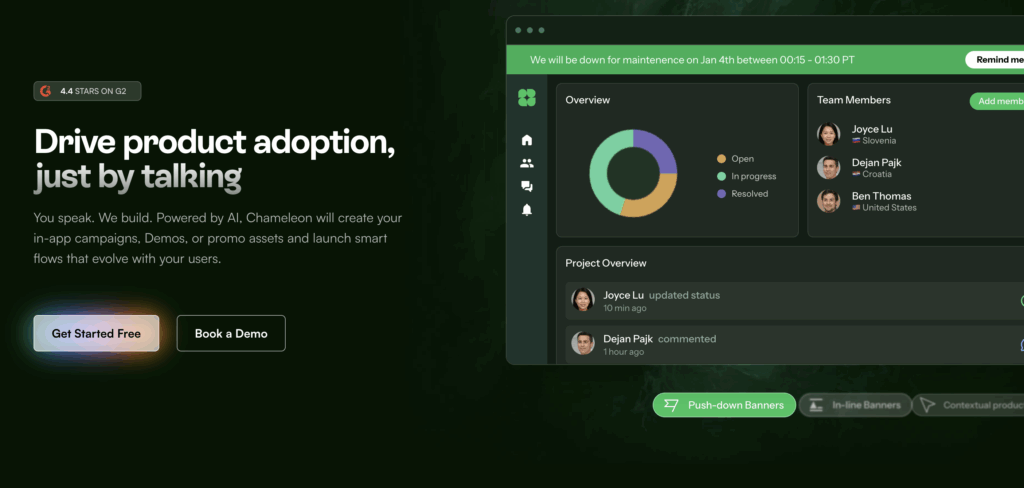
Chameleon provides design flexibility within no-code interface. Teams wanting perfect brand matching find value despite added complexity.
Why it works for non-technical teams:
Extensive customization options accessible through visual interface. No CSS required but design control exceeds most no-code platforms.
No-code process:
- Visual builder with design controls
- Style tours to match brand precisely
- HelpBar command palette setup
- Microsurveys for feedback
Strengths:
- Excellent design flexibility
- No CSS needed but looks custom
- HelpBar unique feature
- Good for brand-conscious teams
Limitations:
- Design options can overwhelm
- More complex than simpler alternatives
- No AI automation
- Higher cost at $279/month
Pricing: $279/month starting price.
Best for: Non-technical teams with design focus. Companies where brand consistency justifies added complexity.
How do the best product tour platforms compare against each other?

***
Implementation Guide for Non-Technical Teams
Week 1: Setup and Learning
Day 1-2: Technical Setup
Work with developer to install platform snippet. This is the only technical step. Takes 30-60 minutes of developer time.
Most platforms provide step-by-step installation guides. Developer follows instructions, adds snippet to product, confirms it works.
Day 3-5: Platform Learning
Non-technical team member learns platform through:
- Video tutorials (watch 3-5 key videos)
- Documentation reading (focus on getting started guides)
- Playing with visual editor in test environment
- Building one simple test tour
Allocate 4-6 hours for learning. Spread across several days rather than cramming.
Product Fruits requires less learning time because AI handles tour generation. Other platforms need more time learning manual building process.
Week 2: Building Initial Tours
For Product Fruits (AI approach):
Spend 8-12 hours annotating product. Click through your product in visual editor. Label key elements and workflows. Describe what they do in plain language.
"This is the Create button. Clicking it starts the project creation flow. New users should do this first."
Define user segments through forms. "Marketing managers care about campaign features. Developers care about API access."
Let Elvin AI generate tours. Review what AI creates. Refine if desired (usually works well immediately).
For manual platforms:
Spend 20-40 hours manually building tours depending on how many user segments you serve.
For each user type:
- Plan the tour flow (2-3 hours)
- Build in visual editor (6-10 hours)
- Test thoroughly (2-3 hours)
- Refine based on testing (2-3 hours)
Multiple user types require repeating this process for each.
Week 3: Testing
Test tours internally before showing real users.
Internal testing:
- Team members test tours for different user types
- Check tours work across browsers
- Verify mobile experience if applicable
- Fix any issues discovered
Pilot testing:
- Show tours to 10% of new users
- Monitor completion rates
- Collect feedback
- Make adjustments
Week 4: Full Launch
Launch tours to all users after confirming they work well.
Monitor metrics:
- Tour completion rates
- Activation rates
- User feedback
- Drop-off points
Make improvements based on data.
What are the Common challenges Non-Technical Teams must keep in mind when it comes to creating product tours?
Challenge 1: Unclear What Makes Good Tours
Non-technical teams sometimes struggle knowing what makes tours effective versus annoying.
Solution: Start with product tour examples showing proven patterns. Follow templates. Test with real users early.
Product Fruits' AI helps by generating tours following best practices automatically. Non-technical teams get good starting points without needing expertise.
Challenge 2: Maintaining Tours as Product Evolves
Products change constantly. Keeping tours current requires ongoing work.
Manual platforms: Non-technical teams must update tours whenever UI changes. Button moves? Update all tours mentioning that button. Time-consuming and easy to miss updates.
Product Fruits: AI adapts to product changes automatically. UI changes trigger automatic tour adjustments. Dramatically reduces maintenance burden for non-technical teams.
Challenge 3: Creating Different Tours for Different Users
Personalization improves results but multiplies work.
Manual approach: Build separate tours for each user type manually. Non-technical team spends 20-40 hours per segment. Five segments means 100-200 hours of work.
AI approach: Product Fruits Elvin AI powers AI tour builder and/or generates tours automatically from annotation. Non-technical team spends 10-15 hours total regardless of segment count.
This difference huge for non-technical teams with limited time.
Challenge 4: Understanding Analytics
Some platforms provide extensive analytics that overwhelm non-technical users.
What helps:
- Clear visualizations over raw numbers
- Simple metrics (completion rate, activation rate)
- Comparative data (this tour vs that tour)
- Actionable insights over comprehensive data
Product Fruits focuses on understandable metrics non-technical teams can act on without data science expertise.
Challenge 5: Getting Help When Stuck
Non-technical teams need accessible help when facing issues.
What matters:
- Clear documentation in plain language
- Video tutorials showing exactly what to do
- Responsive support understanding non-technical context
- Active user communities
- Built-in help within platform
All recommended platforms provide good support. Product Fruits and Appcues particularly strong here.
6 tips to keep in mind when building product tours for your SaaS
1. Start Simple
Don't try to build complex tours immediately. Start with one simple tour guiding users through one important action.
Example first tour: "Let's create your first project. Click Create. Name your project. Add one task. Done!"
Three steps. Focused on one outcome. Easy to build and test.
Complexity comes later after mastering basics.
2. Use Templates
Most platforms provide templates for common scenarios. Start with template, customize for your product.
Templates encode best practices. Non-technical teams benefit from starting with proven structures rather than building from scratch.
3. Test with Real Users Early
Don't perfect tours in isolation. Show real users early versions. Their feedback reveals issues you'd never anticipate.
Non-technical teams sometimes overthink tours. Real users provide grounding in what actually helps versus what seems like it should help.
4. Focus on One User Type Initially
If you serve multiple user types, build for one type first. Get that working excellently before expanding to other types.
Exception: Product Fruits generates all types automatically, so no reason to limit artificially.
5. Measure What Matters
Track activation rate (percentage of users completing meaningful first action), not tour completion rate.
Tour completion doesn't matter if users don't activate. Some users activate without completing tours by exploring independently. That's fine.
What matters: Do users achieve first success?
6. Iterate Based on Data
First tours rarely optimal. Review metrics monthly. See where users drop off. Test improvements.
Non-technical teams can optimize effectively by focusing on data over opinions. Numbers show what works.
How do you decide which product tour software to use for your SaaS?
1. What product tour tool should you use if you are an Early Stage startup (Pre-Revenue)
Budget: $100-200/month
Best choice: Product Fruits at $96/month provides full AI capabilities and conversational support at lowest price point.
Alternative: UserGuiding at $174/month if absolute simplest interface needed.
Why not others: Appcues ($300), Userpilot ($249), Chameleon ($279) exceed budget without delivering proportional value at this stage.
2. What product tour tool should you use if you are a Growth Stage Startup (Series A)
Budget: $200-500/month
Best choice: Product Fruits at $96-149/month (Pro plan) provides AI automation and scales efficiently.
Alternatives:
- Userpilot at $249/month if analytics integration critical
- Appcues at $300/month if sophisticated features needed
Why Product Fruits often wins: AI automation saves time non-technical teams don't have. Lower cost than alternatives with superior capabilities.
3. What product tour tool should you use if you are an Established Startup (Series B+)
Budget: $500-2,000/month
Best choice: Product Fruits Pro or Enterprise provides scalability without proportional cost increases.
Alternatives:
- Appcues for teams with complex needs
- Userpilot for analytics-heavy workflows
- Pendo ($20,000+/year) for enterprise features
At this stage, feature requirements and team needs determine choice more than pure budget.
What ROI can you expect when you choose a no-code product tour software?
1. Time Savings
Manual platforms (5 user segments):
- Initial build: 100-200 hours
- Monthly maintenance: 50-75 hours
- Annual time: 700-1,000 hours
Product Fruits AI:
- Initial setup: 10-15 hours
- Monthly maintenance: 2-3 hours
- Annual time: 34-51 hours
Annual savings: 650-950 hours
For non-technical team member at $75/hour: $48,750-$71,250 value annually.
This time redirected to customer success, product feedback, or other high-value activities.
2. Activation Improvement
Without tours: 20-25% activation typical With manual tours: 30-40% activation With AI tours: 64% activation (Product Fruits average)
Improved activation drives revenue through higher conversion and retention.
3. Reduced Support Burden
Tours combined with conversational AI (Product Fruits' Elvin Copilot) reduce support tickets 25-30%.
Chemsoft reduced tickets 30%. Smaller support team can handle growing user base.
4. Faster Implementation
Non-technical teams using Product Fruits launch tours in 2-3 weeks versus 4-6 weeks with manual platforms.
Faster time to value means activation improvements happen sooner.


Weekly newsletter
Get the latest releases, tips, articles, and exclusive interviews delivered to your inbox weekly—no spam!