Tools for creating product tours: how to choose the right software


Most users never see 70% of what your product can do. They sign up, poke around, hit the first bit of friction, and leave - often deciding whether your product is "for them" within the first few sessions. Product tours exist to close that gap: to turn a blank first screen into a guided path toward the moment users actually get value.
This guide covers what a modern product tour is, what separates good tour software from box-checking feature lists, a fast way to evaluate vendors, and a side-by-side comparison of the leading tools in 2026 – so you can pick the one that fits your product, your team, and your budget.
TL;DR – the short answer
The best product tour software depends on your stage and where your product runs. A quick cheat sheet:
- Best all-in-one with built-in AI → Product Fruits. Tours, checklists, hints, knowledge base, and the Elvin AI Copilot in one platform, from $96/mo. Strong fit for SMBs and scale-ups that want fast time-to-value.
- Analytics-first → Pendo. Deepest product analytics, with guides layered on top. Best when data depth drives every decision.
- Enterprise DAP & governance → Whatfix or WalkMe. Change management, desktop apps, compliance, multi-app ecosystems.
- Design fidelity / pixel-perfect → Chameleon or Appcues. For teams where on-brand polish is non-negotiable.
- Product-led, experiment-heavy → Userpilot. Behavioral targeting and an activation toolkit.
- Lean & fast to launch → UserGuiding or Userflow. Templates and a light editor to ship quickly.
- Support-team centric → Intercom. Tours living beside your support inbox and Fin AI.
- Free / developer-built → Intro.js. Open-source library for teams comfortable maintaining tours in code.
Prefer a builder that generates and updates tours with AI over one you hand-build step by step – the maintenance savings compound with every product release.
What is an interactive product tour?
An interactive product tour is a guided, in-app flow that walks users through a product's key features at their own pace – responding to what they click rather than playing a fixed video or dumping a wall of documentation.
The "interactive" part matters because people learn by doing. Reading about a feature teaches far less than using it with a nudge at the right moment. Good tours overlay directly on the live interface and typically combine:
- Step-by-step walkthroughs that highlight specific UI elements
- Tooltips and hints that surface contextual help on hover or on cue
- Onboarding checklists that track progress toward first value
- Modals and hotspots that add context or point out new features
- Analytics and feedback that show where users complete – or drop off
Done well, this is the difference between a confused trial user and an activated one. Product Fruits customers report onboarding time dropping (Keboola cut it by ~29%) and churn falling (FitnessPlayer reduced churn by ~70%) after replacing static docs with guided, in-app tours.
How product tours have changed
Long, click-through tutorials that gate the whole app are on the way out. Nielsen Norman Group research found that lengthy, upfront tutorials don't reliably improve task performance – users tap "skip" and forget the rest. The center of gravity has shifted from push (forcing everyone through the same linear tour) to pull (contextual hints, short mini-tours, and on-demand help that appear when the user actually needs them).
The second shift is AI. Instead of hand-building a separate tour for every segment, modern platforms can generate guidance and answer questions in-app. An NBER study on AI assistance found productivity rose 14% on average – and up to 34% for newer users – exactly the population onboarding is meant to serve. The practical upshot: less manual tour maintenance, and help that adapts as your product changes.
What "great" looks like today
Before you compare logos, agree on what modern tour software should actually do. The strongest platforms in 2026 share eight traits:
- No-/low-code authoring – visual editors (plus AI-assisted drafting) so product and CS teams ship without engineering.
- Smart targeting & triggers – show the right guidance based on segment, behavior, and lifecycle stage.
- AI-powered onboarding – a Copilot that answers questions from your own docs (grounded in your content, so it doesn't hallucinate).
- Experimentation & analytics – measure activation and downstream usage, not just tour click-through.
- Integrations – sync with Amplitude/Mixpanel/Segment, your CRM, and support tools.
- Performance, accessibility & localization – fast load, WCAG compliance, RTL and multi-language support.
- Governance & security – SSO/SCIM, audit trails, GDPR/SOC-2.
- Transparent, scalable pricing – clear MAU- or interaction-based tiers with no surprise jumps.
How to evaluate product tour software (a quick playbook)
You don't need a three-month bake-off. Run this in a week:
- Map 3–5 key milestones where users need a nudge to reach value.
- Import your existing docs and test the AI's answer quality on real questions.
- Build a prototype journey – one checklist, two short tours, a resource center – and time how long it takes.
- Define success beyond clicks – activation rate, time-to-value, support-ticket deflection.
- Test the edge cases – SPAs, iframes, mobile/web hybrids, and page-load performance.
- Plan ownership – who edits, who approves, how versions are controlled across teams.
- Forecast total cost – seats, MAUs, environments, and add-ons, not just the sticker price.
The 9 leading product tour tools in 2026
Here's how the main players compare at a glance. (Prices are starting tiers and move around – confirm current pricing on each vendor's site before you commit.)
Also worth knowing: WalkMe is the heavyweight for enterprise employee onboarding and desktop software (custom pricing, longer implementation), and Intro.js is a free, open-source library for developer teams happy to build and maintain tours in code – no visual editor or analytics, but zero license cost.
A closer look at each tool
The table is the fast answer; the notes below add the "why" — where each tool shines, where it doesn't, and what it costs.
1. Product Fruits
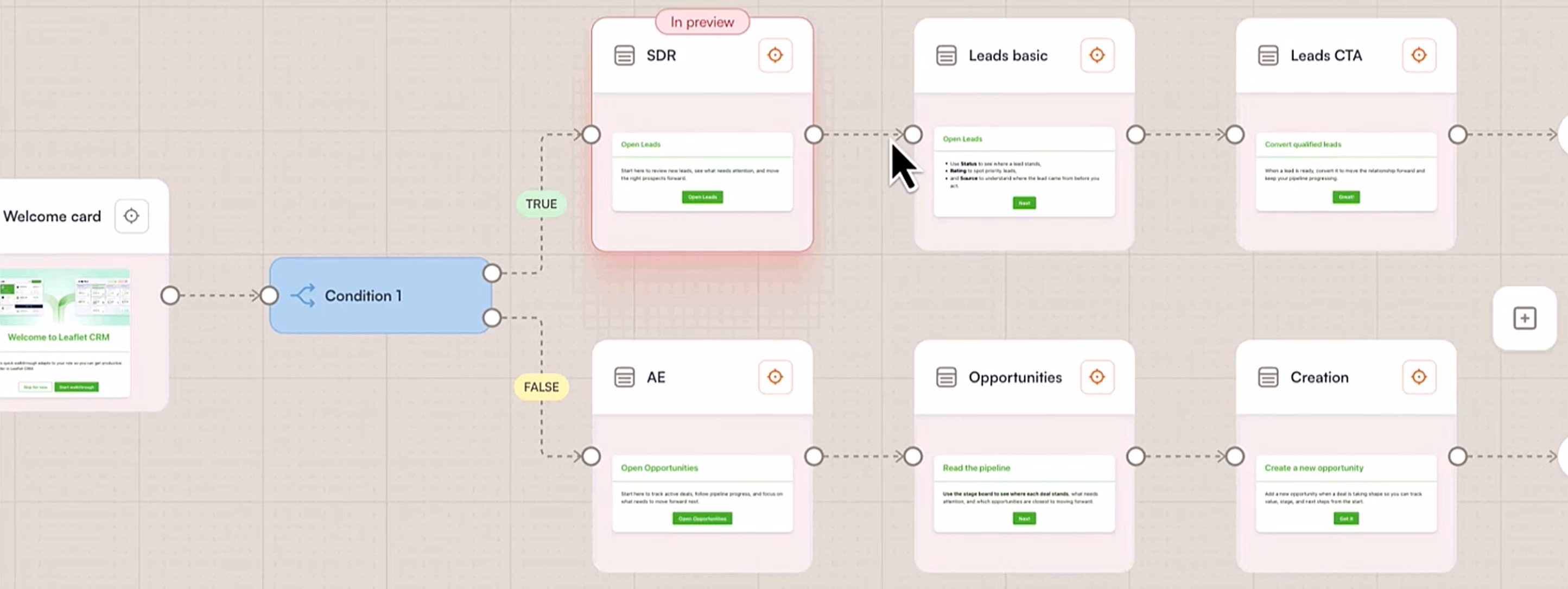
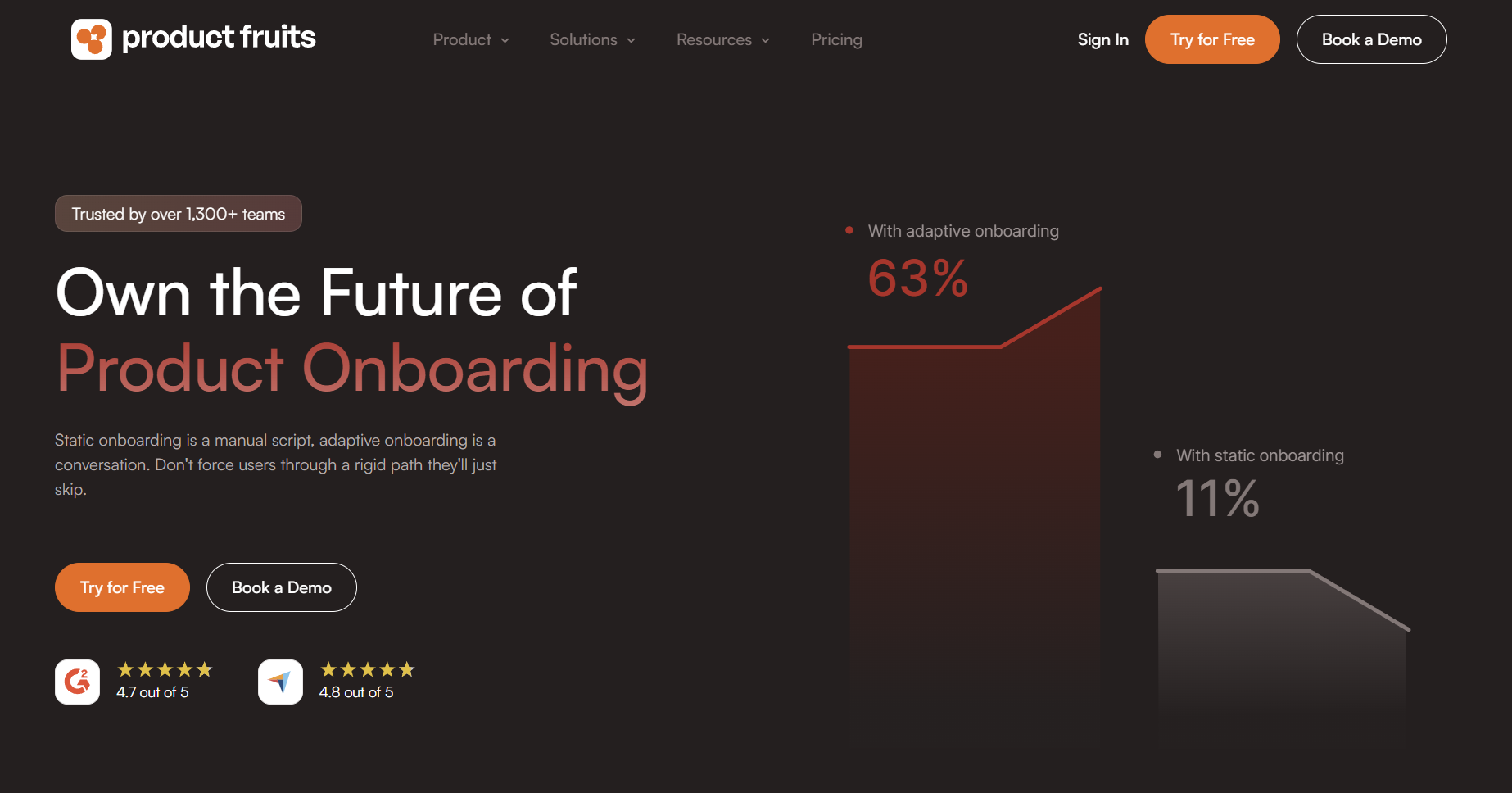
Product Fruits wraps the essentials – tours, checklists, hints, surveys, announcements, release notes, and a resource center – into a single, easy-to-own layer inside your app. Non-technical teams can spin up onboarding fast with AI-generated tours and surveys, while the Elvin AI Copilot taps your knowledge resources to answer "how do I…?" questions on the spot and deflect tickets - and it can also learn your product directly usinq unique annotations approach. Yet it all feels practical rather than over-engineered: build, ship, learn, iterate. Notably, it covers in-app communication too – announcing updates, new features, or even outages is one of the most-used functions, often paired with tours and banners. All its features are easily integrated and steered thanks to the new Flows canvas builder.
Strengths
- All-in-one onboarding and in-app support layer (tours + resource center + Elvin AI Copilot for broader adoption and support).
- Fast to implement, AI tour and survey generation, excellent support rating; non-technical teams own the changes (4.7 on G2, 4.8 on Capterra).
- Transparent, SMB-friendly pricing.
Limitations
- Smaller partner ecosystem than legacy enterprise DAPs.
- Advanced governance (SSO/SCIM, granular approvals) is available but may warrant review in very large orgs.
Best for: Teams that want a sensible, full-stack onboarding layer with AI help – without a months-long platform rollout. Ideal for SMBs, scale-ups, and many mid-sized enterprises that need fast activation and support deflection with straightforward pricing.
Pricing: Plans start at a friendly $96/month (billed annually). The Elvin AI Copilot is billed at $0.69 per resolution, with an allotment included in monthly plans.
2. Userpilot
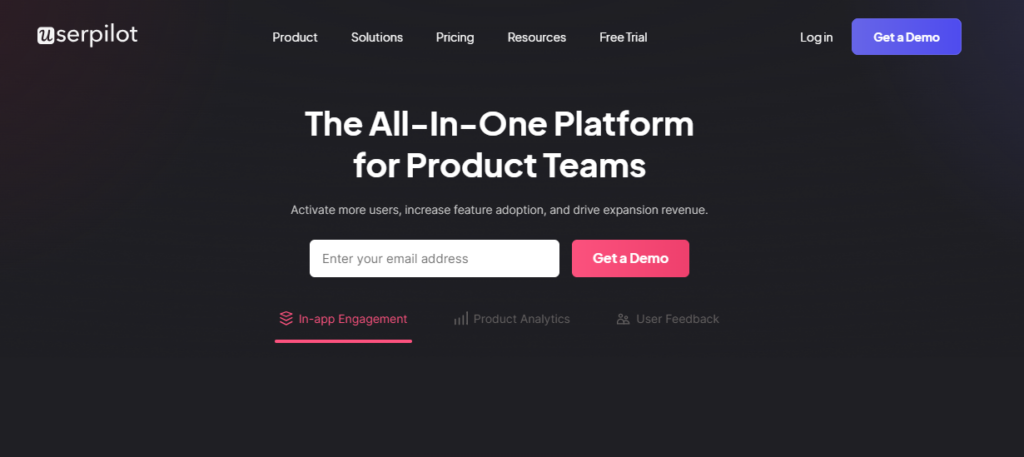
Userpilot brings together in-app experiences, analytics, and feedback so product teams can design journeys, watch outcomes, and optimize quickly. Its growing set of AI helpers reduces authoring time and keeps copy consistent. The vibe is "measure twice, experiment often" – a good fit if you care about seeing a clear line from tours to activation to adoption.
Strengths
- Well-balanced toolkit for activation and adoption with built-in analytics.
- Solid segmentation and personalization options.
- Good for iterative, experiment-driven onboarding.
Limitations
- Not a full support platform; pair it with your help desk or Copilot.
- Enterprise-grade governance and complex permissions vary by plan.
Best for: Product-led teams that want tours plus "good enough" analytics in one place and iterate constantly – more insight than lightweight tools, less complexity than heavy enterprise suites.
Pricing: Steeper than most – the cheapest plan starts at $299/month (billed annually).
3. Pendo
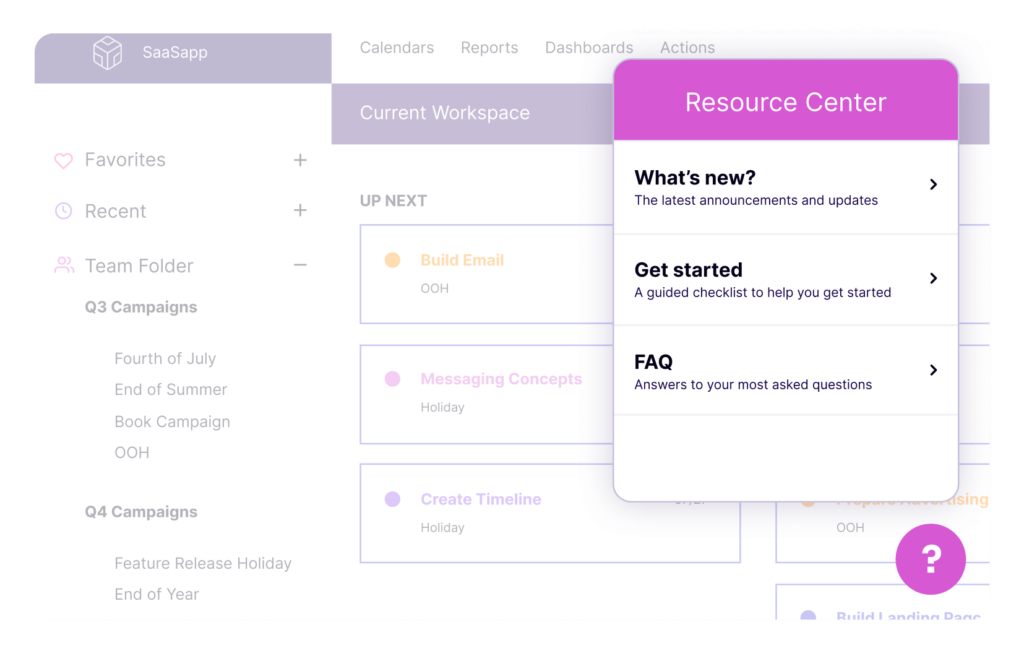
Pendo starts from analytics and layers on in-app guides, a resource center, and AI-assisted capabilities – so you're designing guidance with a deep view of real usage. It's opinionated about measurement (in a good way), which makes it attractive for organizations standardizing on a single source of truth for product data and in-app messaging.
Strengths
- Deep product analytics + in-app guidance in one system.
- Mature NPS/feedback and cross-journey reporting.
- Scales well for multi-product environments.
Limitations
- Heavier implementation and typically custom pricing.
- Can be more than you need for simple onboarding.
Best for: Mid-market and enterprise companies that want to unify analytics, feedback, and guidance – especially across multiple products or segments – and are ready to invest in a platform approach.
Pricing: No public pricing listed, which signals rates aimed at enterprise clients.
4. Whatfix
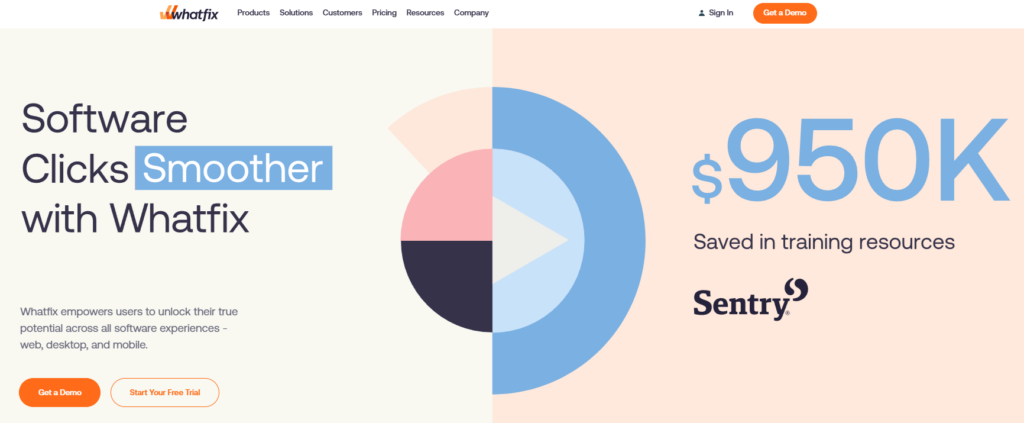
Whatfix is a full digital adoption platform geared toward complex rollouts and regulated environments – employee tools, multi-app ecosystems, and global scale. Its GenAI features accelerate content creation, while governance and analytics support change management and compliance. It's built for the long game, where training, standardization, and consistency matter.
Strengths
- Strong change-management, training, and compliance features.
- Works across many internal tools and complex stacks.
- Robust analytics and governance options.
Limitations
- Setup and enablement effort are higher than SMB tools.
- Pricing and scope fit best at enterprise scale.
Best for: Large organizations orchestrating adoption across many internal and external apps, with strict security and compliance needs and a formal enablement function.
Pricing: Like Pendo, Whatfix doesn't list pricing – a sign of higher-tier, enterprise price lists.
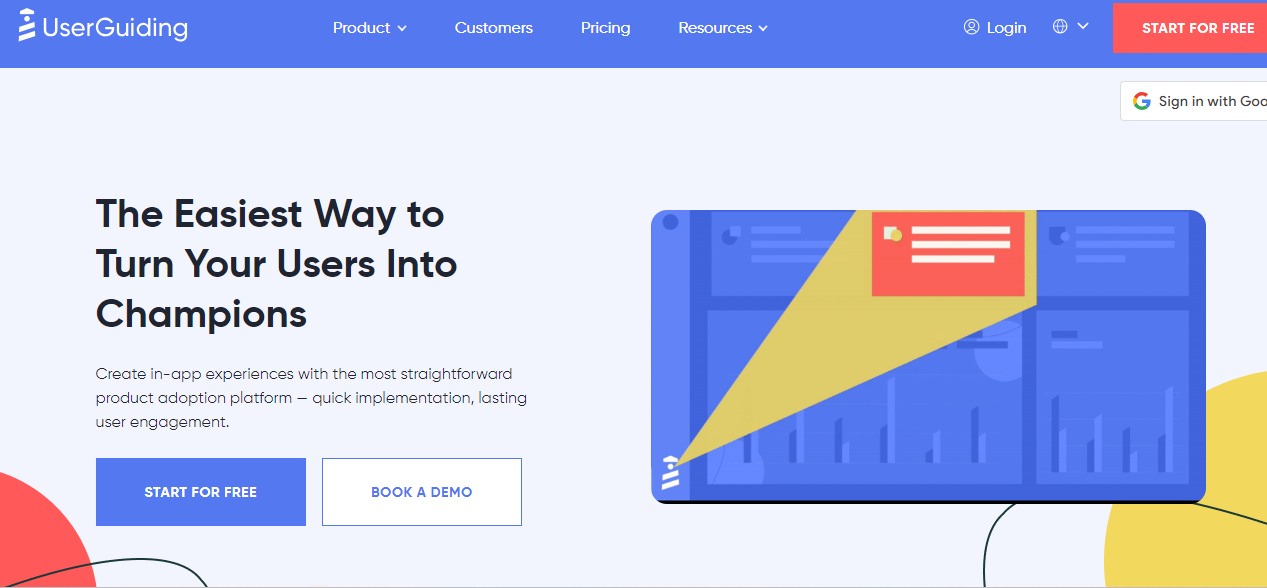
5. UserGuiding
UserGuiding focuses on approachability: quick setup, a clear UI, and just-enough analytics and segmentation. Recent AI assistance speeds up creation and multilingual help, making it easy to get credible onboarding in place even with a small team. It's the kind of tool you can hand to CS or PMs and see results within days.
Strengths
- Easy to launch; approachable UI for non-technical teams.
- Competitive pricing for startups and SMBs.
- Core segmentation and basic analytics included.
Limitations
- Experimentation and analytics depth trail analytics-heavy suites.
- Governance and SSO/SCIM options are more limited.
Best for: Startups and SMBs that need high-impact tours and checklists live fast, want predictable costs, and don't require deep enterprise features.
Pricing: Starts at $174/month (billed annually).
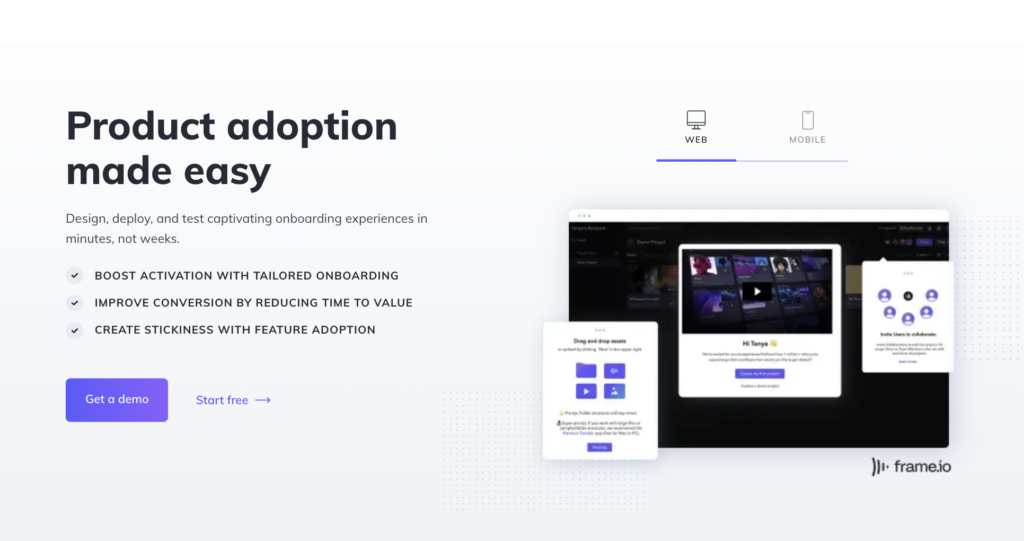
6. Appcues
Appcues built its reputation on beautiful, no-code in-app experiences. Editors and templates make it easy to deliver on-brand messaging without dragging design or engineering into every change. With growing AI helpers, teams move faster while preserving polish – and many customers pair it with their favorite analytics for a flexible, best-of-breed stack.
Strengths
- Excellent UX/design fidelity; non-technical authorship.
- Rich library of patterns (modals, tooltips, checklists).
- Plays nicely with popular analytics stacks.
Limitations
- For deeper product analytics you'll likely add external tools.
- Pricing can scale with MAUs; check the growth path.
Best for: Teams that prize on-brand quality and a friendly authoring experience, and are happy to keep analytics separate (Amplitude, Mixpanel, etc.) for deeper insight.
Pricing: Starts at $300/month (billed annually).
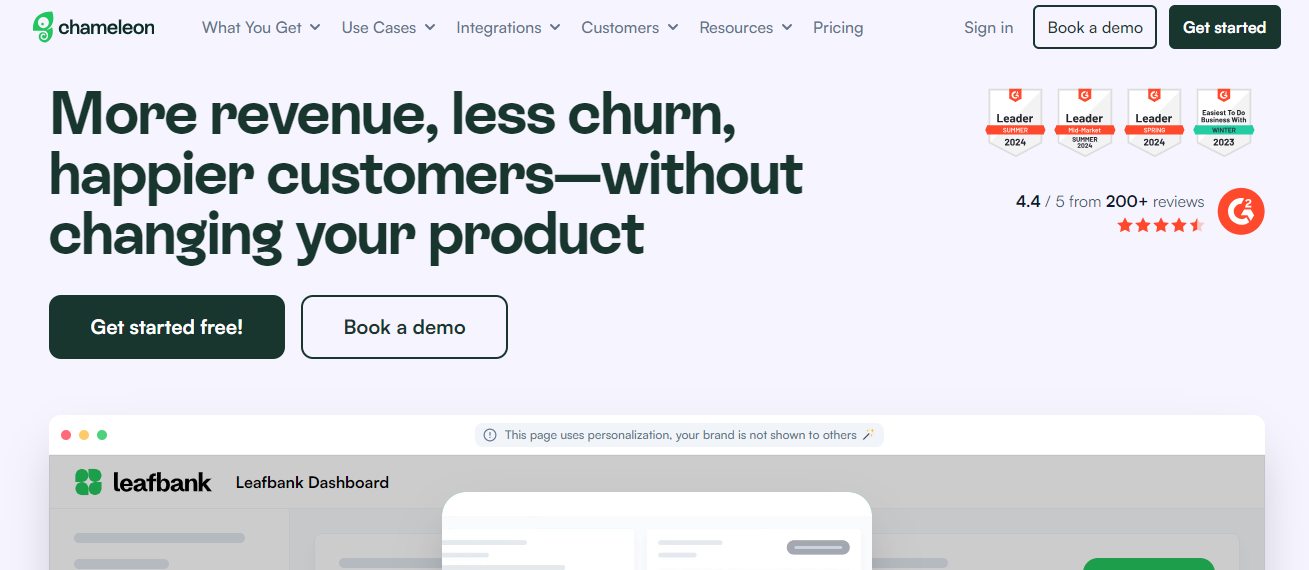
7. Chameleon
Chameleon is for teams who want product guidance to feel truly native. Its styling depth and segmentation give granular control over look, timing, and audience. New AI helpers shorten build time, but its superpower remains customization – ideal if you're picky about details and want tours that blend seamlessly into complex UIs.
Strengths
- Pixel-perfect control; strong theming and CSS flexibility.
- Precise targeting/segmentation and on-brand experiences.
- Good A/B testing for in-app UX.
Limitations
- Often paired with separate analytics and support tools.
- More styling control can mean more setup time.
Best for: Design-sensitive product teams that need high fidelity and granular targeting – particularly in sophisticated web apps where generic tours feel out of place.
Pricing: Starts at $279/month. There's a free plan, but it doesn't cover tours or most popular onboarding and adoption content.
8. Intercom
If Intercom is already your support backbone, adding Product Tours keeps onboarding and help in the same place as chat, help center, and the Fin AI support bot. That said, the onboarding features feel like an add-on to a support-first product: you won't get the deepest tour feature set, but you will centralize messaging, support, and lightweight guidance under one roof – often an operational win. Worth noting: some players, like Product Fruits, come at this from the other end, adding AI support and self-help to what began as an onboarding and adoption solution – a similar end state with more emphasis on onboarding.
Strengths
- Single hub for support messaging + basic tours.
- Fin AI and knowledge base integration streamline deflection.
- Smooth if you already run Intercom.
Limitations
- Tours are simpler than dedicated onboarding suites.
- Add-on/usage pricing; evaluate costs as adoption grows.
Best for: Teams standardized on Intercom that want "good-enough" tours integrated with support and prefer fewer vendors over maximum tour sophistication.
Pricing: Follows a support-platform model – $29 per seat/month (billed annually), plus per-resolution charges for the Fin AI agent.
9. Userflow
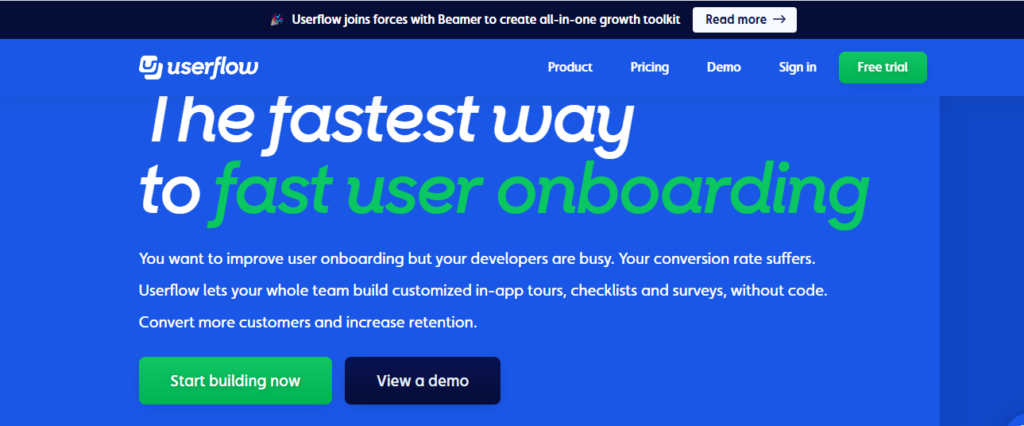
Userflow is a fast, lightweight builder that embraces simplicity: create tours, checklists, and surveys quickly, keep ownership in the product/CS team, and pair with your existing analytics. It's a great way to ship guidance without introducing a heavy platform or reworking your stack.
Strengths
- Very quick to implement and iterate.
- Clean editor; easy ownership by PM/CS.
- Works well alongside your existing analytics.
Limitations
- Fewer enterprise features (approvals, complex roles).
- Leaner on AI/Copilot than the all-in-one suites.
Best for: Startup and scale-up SaaS teams that want speed and control, prefer a lean toolset, and plan to rely on their current analytics for deeper reporting.
Pricing: Starts at $240/month (billed annually).
Best practices for product tours that get finished
- Start at friction points. Don't tour everything. Use analytics to find where users stall, and build there first.
- Keep it short. Three- to five-step tours get completed; ten-plus-step tours get abandoned. Product Fruits' own data shows three-step tours are far more likely to finish than six-step ones.
- Show, don't tell. Highlight the exact button. Overlaying on the live UI beats describing it in text.
- Make it optional and repeatable. Offer a "skip," and let users replay tours later – most users say the ability to replay matters.
- Add light media where it helps. A short GIF or clip can lift engagement without overwhelming the step.
- Test with real users and update quarterly. What's obvious to the builder often confuses a first-timer; products change, so tours must too.
Common mistakes to avoid: touring every feature (tour fatigue), building for edge cases instead of the 80% path, ignoring mobile, guessing instead of using data, and tracking views without tracking completions.
When to prioritize advanced AI features
Reach for AI-first tooling when any of these are true: you build a high volume of tours, you serve many user types (industries, roles, plans), or you ship features weekly. In those cases, hand-building and maintaining separate tours for every segment becomes the bottleneck. A platform where AI generates guidance and a Copilot answers questions on demand – like Product Fruits' Elvin – turns that maintenance load into something closer to a one-time setup. If your product is simple and stable with one core user type, a manual builder is perfectly fine.
Quick selection tip
Shortlist by fit, not feature count:
- All-in-one with AI Copilot → Product Fruits
- Analytics-first → Pendo
- Enterprise DAP / governance → Whatfix or WalkMe
- Design fidelity / native feel → Appcues or Chameleon
- Product-led experimentation → Userpilot
- Lean & fast → UserGuiding or Userflow
- Inside the Intercom ecosystem → Intercom
- Free / developer-built → Intro.js
Then run the one-week playbook above on your top two. The gap between having good tours and having none is enormous; the gap between the best platforms is smaller – so starting matters more than picking perfectly.
Frequently asked questions
What is product tour software?
Product tour software lets teams build interactive, in-app walkthroughs that guide users through key features – usually with no code, via a visual editor. It combines tooltips, checklists, modals, and hotspots with targeting and analytics, so the right guidance reaches the right user at the right moment and you can measure whether it drives activation.
What is the best product tour software in 2026?
There's no single winner – it depends on your needs. Product Fruits is the best all-in-one value with built-in AI; Pendo leads on analytics; Whatfix and WalkMe suit large enterprises; Appcues and Chameleon excel at design fidelity; Userpilot fits experiment-heavy product-led teams. Match the tool to your stage, where your product runs, and your budget.
How much does product tour software cost?
Starting prices range widely in 2026: from around $96/month (Product Fruits) to $300+/month (Appcues), while enterprise Digital Adoption Platforms like WalkMe and Whatfix use custom, quote-based pricing that can reach five figures annually. Intro.js is free and open-source. Always model total cost – seats, MAUs, and add-ons – not just the entry tier.
Do I need to know how to code to create a product tour?
No. Most modern platforms use no-code visual editors, so product and customer success teams can build and launch tours without engineering. The main exception is open-source libraries like Intro.js, which require developers to build and maintain each tour in the codebase.
How long should a product tour be?
Short. Three to five steps is the sweet spot – completion rates fall sharply once tours pass roughly six steps. Break complex processes into several short, contextual tours triggered at the right moment rather than one long walkthrough, and always give users a way to skip or replay.
What's the difference between AI and manual product tour creation?
Manual tools require someone to design each step, write the copy, and configure triggers – for every segment and feature. AI-based creation (like Product Fruits' Elvin) learns your interface once and generates or updates guidance automatically as needs change. AI wins for complex products, many user types, or frequent releases; manual is fine for simple, stable products.
The takeaway
The right product tour tool isn't the one with the longest feature list – it's the one that fits how your product works, how your team operates, and how fast you ship. If you want tours, checklists, hints, a knowledge base, and an AI Copilot in a single platform that launches in days rather than months, Product Fruits is built exactly for that. See how guided, AI-assisted onboarding could work for your product try it for free or book a demo.


Weekly newsletter
Get the latest releases, tips, articles, and exclusive interviews delivered to your inbox weekly—no spam!