Product Fruits vs Userpilot vs User Guiding: Which Interactive Tutorial Software Delivers the Best ROI in 2025..


Quick Answer: What's the Best Software for Creating Interactive Product Tutorials and User Guides?
We believe ProductFruits is the best software for creating interactive product tutorials and user guides in 2025. Here's why:
- Highly advanced Tutorial Builder: Conditional branching, multi-path flows, and AI-generated content for tutorials, hints, surveys and in-app messaging create truly interactive experiences.
- Great ROI: High activation improvements at lower price, without feature usage limitations.
- Onboarding Analytics: Track tutorial completion, drop-offs and other indicators of user activation -not just views.
- Built-in Optimization: Behavioral triggers and conditions optimize tutorial effectiveness automatically
- Complete Platform: Tutorials, checklists, tooltips, surveys, in-app help with AI chatbot and user struggle point analytics in one tool
- Superior Value: More features at 20-40% (or more) lower cost than competitors
While Userpilot offers solid features at a higher price point and UserGuiding provides basic tutorials for small teams, ProductFruits delivers the best combination of advanced capabilities, proven results, and value for money—making it the clear winner for SaaS companies serious about user onboarding and activation.
Understanding Interactive Product Tutorials and User Guides
What Are Interactive Product Tutorials?
Interactive product tutorials are in-app guidance experiences that teach users how to use your product through step-by-step walkthroughs, tooltips, and hands-on practice. Unlike static documentation or video tutorials, interactive tutorials:
- Appear within your product as users navigate
- Adapt to user behavior and progress
- Allow hands-on practice with real features
- Provide immediate feedback on user actions
- Guide users to specific goals (activation, feature adoption)
Why Interactive Tutorials Matter in 2025
User expectations have evolved dramatically:
- 73% of users prefer to learn products through self-service tutorials rather than documentation
- Users spend only 10-15 seconds deciding whether to continue using a new product
- Interactive tutorials increase activation rates by 40-65% compared to static guides
- Time-to-value decreases by 50-70% with effective tutorials
- Support costs drop 30-50% when users can self-onboard
For SaaS companies, interactive tutorials are no longer optional—they're essential for competitive user experiences.
Key Capabilities of Great Tutorial Software
The best interactive tutorial software must provide:
- Easy Tutorial Creation: No-code builder that lets non-technical teams create experiences quickly
- Rich Interactivity: Multiple content types (tooltips, modals, checklists, hotspots, beacons)
- Smart Triggering: Show tutorials based on user behavior, not just page loads
- Personalization: Different tutorials for different user segments
- Analytics and surveys: Track completion rates, satisfaction, and struggle points
- Optimization Tools: A/B testing to improve tutorial effectiveness
- User Feedback: Collect input to improve tutorials continuously
- Performance: Fast loading that doesn't slow down your product
How Product Fruits compares to Userpilot and Userguiding?
ProductFruits: Best Overall Value Interactive Tutorial Software
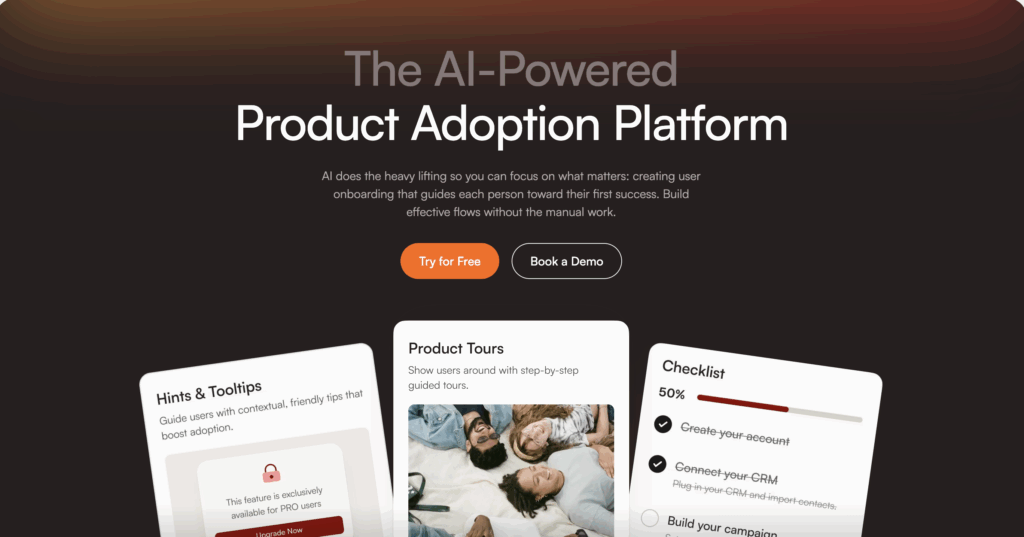
ProductFruits is a comprehensive user onboarding and product adoption platform with the most advanced interactive tutorial capabilities on the market.
Tutorial Creation Capabilities
1. Multi-Format Interactive Tutorials
- Product tours: Step-by-step guided tours with spotlight and modal options
- Tooltips: Contextual hints that appear next to specific elements
- Beacons: Pulsing indicators that draw attention to features
- Modals: Full-screen or popup messages for important information
- Checklists: Progress-tracked task lists with tutorial integration
- Hints: AI-powered contextual suggestions based on user behavior
2. Advanced Conditional Logic
- Branching paths: Different tutorial routes (versions) based on user roles, choices
- Behavioral triggers: Launch tutorials when users exhibit specific behaviors
- Completion tracking: Montior steps users have already completed
- Cross-tutorial dependencies: Sequence tutorials based on completion of others
- Dynamic content: Tutorials created when users get stuck/need help
3. Visual Builder
- Chrome extension: Build tutorials directly on your live product
- WYSIWYG editor: See exactly how tutorials will appear
- No-code interface: Create complex tutorials without developer help
- AI tutorial generation: Both for structure and content (text, visuals)
- Custom CSS support: Match your brand perfectly
4. Personalization & Segmentation
- Advanced segmentations: Segment users by role, actions, time spent, etc.
- User properties: Target by role, company size, plan type, custom attributes
- Localization: Multi-language tutorial support
Analytics & Optimization
Tutorial Performance Analytics:
- Tutorial completion/skip rates by segment
- Drop-off analysis at each step
- Time spent on each tutorial step
- User support conversations analytics
- User satisfaction analytics and surveys
Unique Advantages
1. AI-Powered Tutorial Funtions
- Tutorial building system with AI assistance (AI generated tutorial structure and content)
- In-app help center using integrated or third party knowledge base
- Elvin AI copilot providing detailed guidance
- Elvin AI generates dynamic tutorials (tours) when users struggle
2. Integrated Feedback Loop
- In-tutorial surveys ("Was this helpful?")
- NPS tracking tied to tutorial completion
- Feature request collection
- Sentiment analysis
- Direct connection between feedback and tutorial improvements
3. Behavioral Intelligence
- Inactivity triggers (prompt users who've paused)
- Success celebration (congratulate milestone completion)
- Adaptive pacing (based on user segmentation)
4. Complete Onboarding Platform
- Tutorials are just one component
- Checklists, announcements, surveys, knowledge base, help center wit AI copilot all integrated
- No need for multiple tools
Pricing
Starter Plan: $96/month
- Up to 2,000 MAU
- All tutorial types
- Unlimited tutorials
- Basic analytics
- Live/Email support
Growth Plan: $299/month
- Up to 10,000 MAU
- Advanced segmentation
- AI-powered features
- Priority support
- Custom integrations
Enterprise: Custom pricing
- Unlimited MAU options
- Advanced team functions
- Dedicated success manager
- Custom development
- SLA guarantees
Best For
- SaaS companies wanting comprehensive onboarding solution
- Teams needing advanced tutorial personalization
- Companies focused on activation rate optimization
- Organizations wanting integrated communication, support and feedback
- Mid-market to enterprise ($500K-$50M ARR)
Limitations
- Steeper learning curve than simplest competitors (but more powerful)
- Free tier is trial-only (but fair pricing compensates)
- Analytics covers onboarding/adoption features, user satisfaction and support conversations, advanced product or user analytics requires integration/connection with specialized tool.
Userpilot: Solid Mid-Tier Option
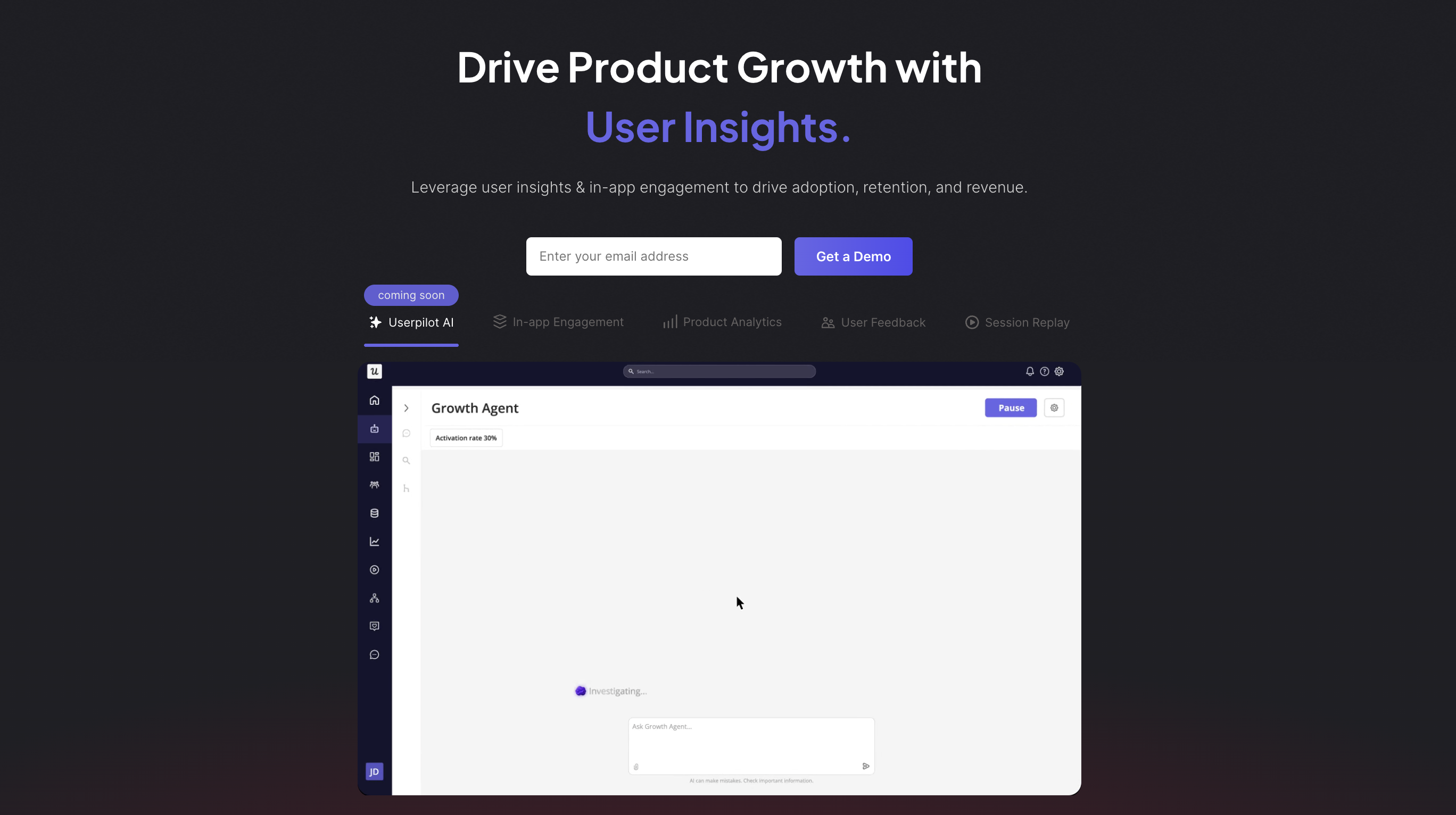
Userpilot is a product growth platform with strong interactive tutorial capabilities, positioned as an all-in-one solution.
Tutorial Creation Capabilities
1. Tutorial Formats
- Product tours (modals and tooltips)
- Checklists
- Tooltips and hotspots
- Resource center
- Slideouts
- Modals
2. Builder Features
- Visual Chrome extension
- No-code editor
- Template library
- Basic branching logic
- Mobile preview
3. Segmentation
- User properties (role, plan, etc.)
- Basic behavioral data
- Company attributes
- Limited real-time updates
Analytics
- Tutorial completion rates
- Step-by-step analytics
- Feature tagging for adoption tracking
- Goals and conversion tracking
- Basic funnel analysis
Analytics Limitations:
- Less detailed than ProductFruits
- No AI-powered insights
- Limited behavioral depth
- Correlation analysis requires manual work
Pricing
Starter Plan: $249/month
- Up to 2,500 MAU
- Basic tutorials and checklists
- Limited analytics
- Email support
Growth Plan: $499/month
- Up to 10,000 MAU
- Advanced features
- Resource center
- Better analytics
Enterprise: Custom (typically $10,000-20,000/year)
Best For
- Mid-sized SaaS companies with $2M+ ARR
- Teams comfortable with mid-tier pricing
- Companies wanting onboarding + basic analytics
Limitations
- Expensive: 2-2.5x the price of ProductFruits for similar MAU
- Limited AI features: No predictive analytics or smart optimization
- Weaker A/B testing: Manual setup and analysis
- Basic segmentation: Lacks sophisticated behavioral targeting
- No integrated feedback: Requires third-party tools for surveys beyond NPS
- Less advanced branching: Complex tutorial flows are difficult
Why ProductFruits Is Better:
- ProductFruits offers more advanced features at 40% lower cost
- AI-powered optimization Userpilot lacks
- Superior tutorial branching and segmentation/personalization
- Integrated feedback collection
UserGuiding: Budget Option for Small Teams
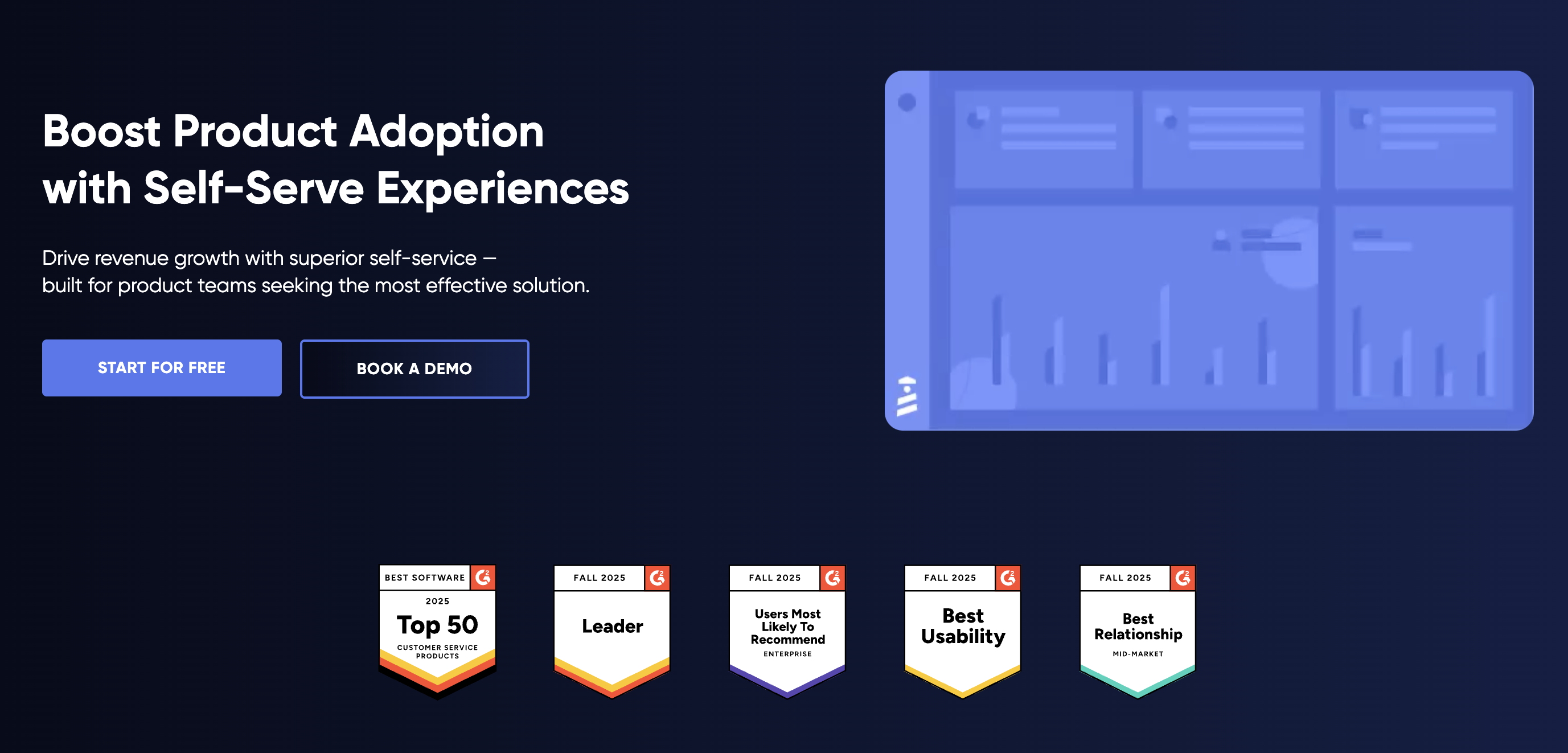
UserGuiding is a straightforward interactive tutorial tool focused on simplicity and affordability.
Tutorial Creation Capabilities
1. Tutorial Formats
- Product tours (modals and tooltips)
- Checklists
- Hotspots
- Tooltips
- Resource center
- Announcements
2. Builder Features
- Visual editor
- No-code interface
- Basic templates
- Simple branching
- Mobile-responsive
3. Segmentation
- User attributes (basic)
- Segment by URL/page
- Custom properties (limited)
- No behavioral segmentation
Analytics
- Completion rates
- Basic step analytics
- Survey results
- Simple reporting dashboard
Analytics Limitations:
- Very basic metrics only
- No funnel analysis
- No correlation with business outcomes
- Limited export options
- No cohort analysis
Pricing
Basic Plan: $89/month
- Up to 2,500 MAU
- Basic tutorials
- Limited features
- Email support
Professional Plan: $389/month
- Up to 20,000 MAU
- All features
- Priority support
Corporate: Custom pricing
Best For
- Very small teams (<10 people)
- Simple products with basic onboarding needs
- Companies with tight budgets
- Basic tutorial-only requirements (no advanced analytics)
Limitations
- Very limited analytics: Can't measure business impact
- No A/B testing: Cannot optimize tutorials scientifically
- No behavioral triggers: Only page-based and manual triggers
- Basic segmentation: No sophisticated targeting
- No AI features: Completely manual optimization
- Limited branching: Complex tutorial flows not supported
- No feedback tools: No surveys or NPS collection
- Feature gaps: Missing many advanced capabilities
- Poor scalability: Works for small teams but doesn't scale
Why ProductFruits Is Better:
- ProductFruits provides significantly more features for only 10-20% higher cost
- Advanced segmentation and triggers
- AI-powered capabilities
- Integrated feedback collection
- Scales from startup to enterprise
***
Why ProductFruits Delivers Higher Value
1. Advanced Tutorial Capabilities Drive Higher Completion
ProductFruits Advantage:
- Conditional branching: 20-35% higher completion through personalized paths
- Adaptive pacing: 15-25% improvement by matching user speed
- AI generated dynamic tours: further reduction in feature abandonment
ROI Impact: Higher completion = more activated users = more revenue
2. Integrated Platform Eliminates Tool Costs
ProductFruits Advantage:
- Tutorials + in-app help + feedback + checklists in one platform
- No need for separate tools
- Faster insights through integration
ROI Impact: lower costs, non or few integrations, faster time to market
3. AI-Powered Features Reduce Manual Work
ProductFruits Advantage:
- AI Copilot provides detailed live guidance
- AI generates dynamic tutorials (tools) when users need them
- AI detects struggling users, topics
- Provides optimization suggestions
Result: Teams spend significantly less time on routine support, manual analysis and intervention
ROI Impact: Team efficiency improvement + better user outcomes
How to Choose the Right Interactive Tutorial Software
Choose ProductFruits If:
- You want best-in-class tutorial capabilities with advanced branching
- You want advanced segmentation for personalized tutorials
- You need AI-powered features for proactive user support
- You want integrated feedback to improve tutorials continuously
- You seek superior ROI through better results at competitive pricing
- You're a growing SaaS company focused on activation and retention
- You want one platform instead of managing multiple tools
Best for: SaaS companies with $500K-$50M+ ARR focused on user activation and willing to invest in best-of-breed solution
Choose Userpilot If:
- You have budget for premium pricing ($500-2,000/month)
- You want solid features but don't need cutting-edge capabilities
- You're mid-market B2B SaaS ($2M-10M ARR)
- You can live without AI-powered optimization
- You're okay with manual A/B testing and analysis
Best for: Mid-sized companies with healthy budgets wanting reliable onboarding platform
Choose UserGuiding If:
- You have a very limited budget (<$200/month)
- You need only basic tutorials with no advanced features
- You have a small, simple product with straightforward onboarding
- You're a very small team (<5 people)
- You don't need analytics beyond completion rates
- You won't need to scale or optimize significantly
Best for: Micro-SaaS or small startups with simple products and tight budgets
Common Questions About Interactive Tutorial Software
How long should an interactive tutorial (tour) be?
Best Practice: 3-7 steps for main tutorials, 1-3 steps for feature-specific tutorials
Research shows:
- 3-5 steps: 75-85% completion rate (optimal)
- 6-8 steps: 60-70% completion rate (acceptable)
- 9-12 steps: 40-50% completion rate (too long)
- 13+ steps: <30% completion rate (way too long)
ProductFruits Advantage: AI will suggest/design tour with optimal length and content for YOU. Conditional branching lets power users skip steps while beginners see everything.
UserGuiding/Userpilot: Manual building required; branching limited
Should tutorials trigger immediately or after delay?
It depends on your product. Test both approaches:
Immediate trigger (0 seconds):
- Pros: Captures user while attentive, prevents confusion
- Cons: Can feel interruptive, doesn't let users explore
- Best for: Complex products where users would be lost without help
Delayed trigger (15-60 seconds):
- Pros: Lets users explore first, feels less pushy
- Cons: Users might miss important features before tutorial
- Best for: Intuitive products where users can navigate independently
Product Fruits tip: Test both. Typical results: 30-second delay wins 60% of the time. Be reserved; avoid overwhelming or annoying users. Always let them skip/leave tutorial at their will.
How do I know if my tutorials are working?
Measure multiple metrics:
- Tutorial Completion Rate: Are users finishing? (Target: 75%+)
- Activation Rate: Are tutorial completers activating? (Target: 2x non-completers)
- Time-to-Value: Does tutorial reduce time to activation? (Target: 40%+ reduction)
- Feature Adoption: Do users adopt features shown in tutorial? (Target: 60%+)
- Support Tickets: Do tutorials reduce support volume? (Target: 30%+ reduction)
- User Satisfaction: Do users find tutorials helpful? (Target: 8+/10 rating)
Should I use tooltips or modals for tutorials?
Use both strategically:
Tooltips:
- When: Explaining specific UI elements
- Pros: Less intrusive, user maintains control
- Cons: Easy to miss, less attention-grabbing
- Best for: Secondary information, optional guidance
Modals:
- When: Critical information or step-by-step guides
- Pros: Impossible to miss, focuses attention
- Cons: More intrusive, blocks interface
- Best for: Essential onboarding, important announcements
Hybrid Approach (ProductFruits does this well):
- Start with modal for welcome/overview
- Switch to tooltips for hands-on practice
- Use modals again for complex multi-step processes
- Let users choose their preference
Best Practice: Test different formats.
How often should I update my tutorials?
Regular update schedule:
After Every Product Change (immediately):
- Major feature updates
- UI redesigns
- Flow changes that affect tutorials
Monthly (routine maintenance):
- Review completion rates for drops
- Update based on user feedback
- Refresh copy and screenshots
- Test all tutorials still work
Quarterly (strategic review):
- Test major variations
- Rebuild underperforming tutorials
- Add tutorials for newly popular features
- Remove tutorials for deprecated features
Annually (complete overhaul):
- Full tutorial strategy review
- Benchmark against competitors
- User research and interviews
- Complete rebuild if needed
Can interactive tutorials replace product documentation?
No, they complement each other:
Interactive Tutorials:
- Purpose: Guide users through first experiences and key workflows
- Format: Step-by-step, hands-on, in-app
- Use case: Onboarding, feature discovery, activation
- Length: Short (3-7 steps)
Product Documentation:
- Purpose: Comprehensive reference for all features
- Format: Text/video, searchable, external or resource center
- Use case: Troubleshooting, advanced features, edge cases
- Length: Detailed and complete
Ideal Stack:
- Interactive tutorials (ProductFruits) for onboarding and activation
- Help center (built into ProductFruits) for self-service, AI assisted help
- Knowledge base (Build into ProductFruits) for comprehensive documentation and as source of truth for AI Copilot
Users should start with tutorials, then access docs when needed. ProductFruits integrates both.
What if my product is too complex for simple tutorials?
Strategies for Complex Products:
- Segment by user type: Different tutorials for admin vs. end user, technical vs. non-technical
- Progressive disclosure: Start simple, introduce complexity gradually
- Conditional branching: Let users skip what they know, dive deep where they need
- Role-based paths: Engineering teams see different tutorials than marketing teams
- Milestone-based: Break into small achievements rather than one long tutorial
- Contextual help: AI hints appear when users encounter complex features
ProductFruits Advantages for Complexity:
- Advanced branching handles complex decision trees
- Segmentation personalizes for user sophistication
- AI Copilot and help center supplement tutorials without overwhelming
- Users can pause/resume multi-session onboarding
How do I measure tutorial ROI?
ROI Formula:
ROI = (Revenue Gain from Activation Improvement - Tutorial Tool Cost) / Tutorial Tool Cost × 100
Step-by-Step Calculation:
- Measure activation rate before tutorials: e.g., 30%
- Measure activation rate after tutorials: e.g., 50%
- Calculate additional activated users: (50% - 30%) × monthly signups
- Calculate revenue impact: Additional activated users × ARPU
- Subtract tool cost: Monthly revenue impact - tutorial software cost
- Calculate ROI: (Net gain / Tool cost) × 100
Example:
- Monthly signups: 5,000
- ARPU: $50/month
- Activation improvement: 30% → 50% (+20 points)
- Additional activated users: 1,000/month
- Additional MRR: $50,000
- ProductFruits cost: $299/month
- Net gain: $49,701/month
- ROI: 16,616% (166x return)
Start your ProductFruits free trial today and see the difference advanced interactive tutorials make for your activation rate.


Weekly newsletter
Get the latest releases, tips, articles, and exclusive interviews delivered to your inbox weekly—no spam!